Step-by-Step Tutorial
In my previous article “Find Online French Maritime Enrollments?” I’ve provided a list of the French department archives that offer digitized registres of enrollment online either for browsing or as a search. However, with all things genealogy in France, not all coastal departments have digitized their records for online use.
In this 2 page Tutorial, I will show you how to navigate through the records provided by archives of the French Department of Loire Atlantique.
Let’s get started.
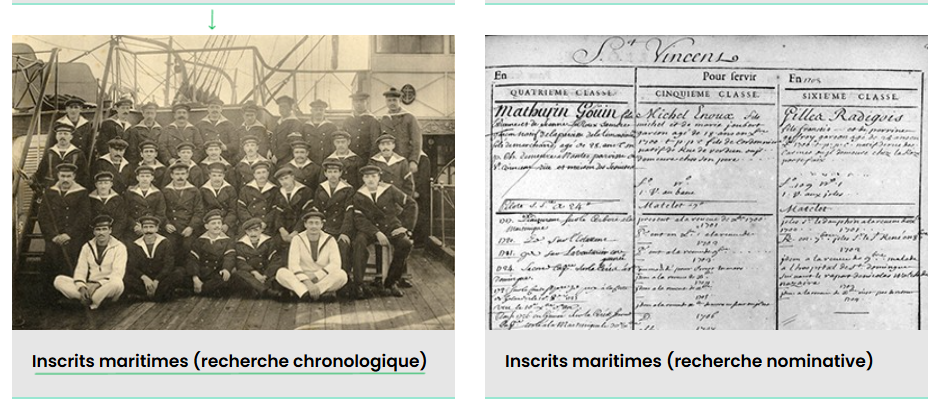
Let’s look at the department of Loire Inférieure (now Loire Atlantique) for maritime records. Scroll down to row #6, you’ll find these two separate repository of maritime records. For this tutorial, I’ll be using ‘inscrits maritimes -recherche chronologique’ for our examples and starting point. You can also use the ‘search by last name’ We won’t be using that section in this tutorial as it seems self explanatory but it a good example of what some of the records look like. Go ahead and click on the picture of the “Inscrits maritimes (rechecher chronologique” on the website.
Example One:
- What does ‘Inscrits Maritimes” mean? – Maritime Enrollments.
- What does ‘recherche chronologique’ mean? – Chronological Search
Example #2
In this image you can see there are 4 filters
- Quartier – administrative division
- Grade – ranks of commissioned officers & enlisted men
- Typologie – In this case, you will be browsing by years for maritime records of ship’s personal (contains genealogical information and military service)
- Cote: The film number of the selective maritime records are found.

The next page is a step-by-step tutorial on using the Quartier filter. This part of the chronology search for your ancestors in the Loire-Atlantique Department of Maritime enrollment records.
PAGE 2 —-> How to Navigate France’s Maritime Records Tutorial 2